theSpring Publisher Integrations
There are a number of publishers who make their resources available digitally via theSpring. Find below a list of publisher applications currently integrated, along with brief descriptions and links to further documentation on how to configure the various integrations in your course sites.
Cengage
Cengage is a publishing company that offers an integration to make purchased digital content accessible via your course site in theSpring via their MindTap application. Here is a link to the Cengage MindTap Instructor Guide.
Macmillan
Macmillan is a publishing company that offers an integration to make purchased digital content accessible via your course site in theSpring. They also have a number of discipline-specific and other unique applications that can be integrated with theSpring, such as Sapling, FlipIt (Econ and Physics), and iClicker. See these instructions for Macmillan applications that require the Basic Integration. Here are instructions for implementing the Sapling Deep Integration with theSpring.
McGraw-Hill
McGraw-Hill is a publishing company that offers a wide range of physical and digital learning resources. McGraw-Hill Connect is their web-based assignment and assessment platform that can be set up to sync with your course site in theSpring. See these instructions for pairing your course site in theSpring with McGraw-Hill Connect resources.
Norton
Norton is a publishing company that offers an integration to make purchased digital content accessible via your course site in theSpring. Find instructions here on syncing Norton resources with your course site in theSpring.
Pearson
Pearson is a publishing company that offers an integration to make purchased digital content accessible via your course site in theSpring. Their digital interface is referred to as MyLab and Mastering.
VHL
Vista Higher Learning is a publishing company focused on language learning that offers an integration to make purchased digital content accessible via your course site in theSpring. A VHL integration with theSpring is in place can be used by navigating to a course content module and clicking on Upload/Create > Create a File, clicking on the Insert Quicklink icon, and choosing VHL Quicklink. Here are links to the Instructor Guide and Student Guide for more information on using VHL in theSpring.
Office
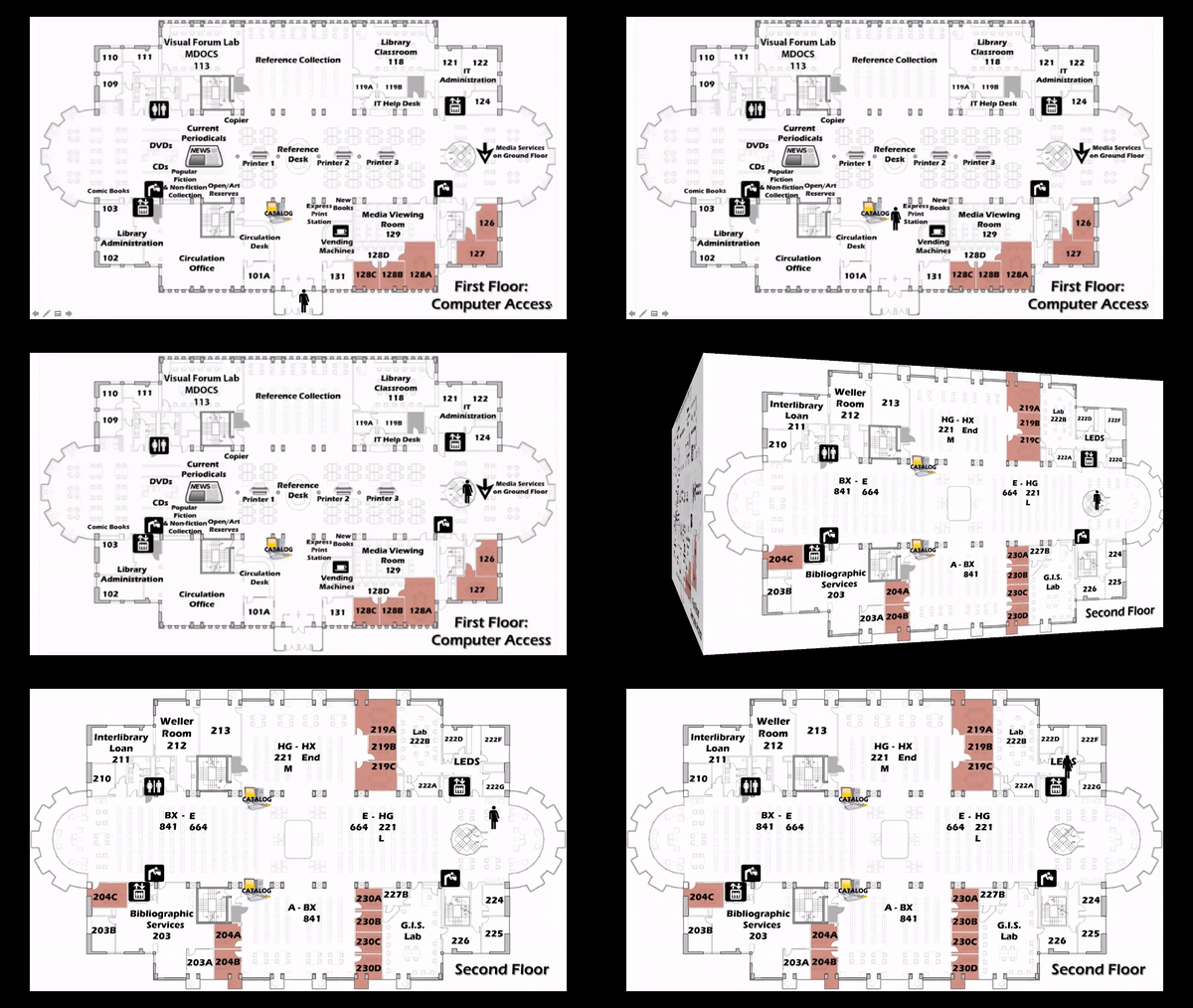
Our office is on the second floor of the library (Library 222), however, we are currently working remotely.
Hours
Our virtual office hours are M-F: 8:30am – 4:30pm.
The best way to reach us is by email or submitting a Help Desk ticket.
leds@skidmore.edu